
Share private online galleries, let your clients pick the photos they want, and pull those choices straight back to your desktop — all while your original files never leave your computer.
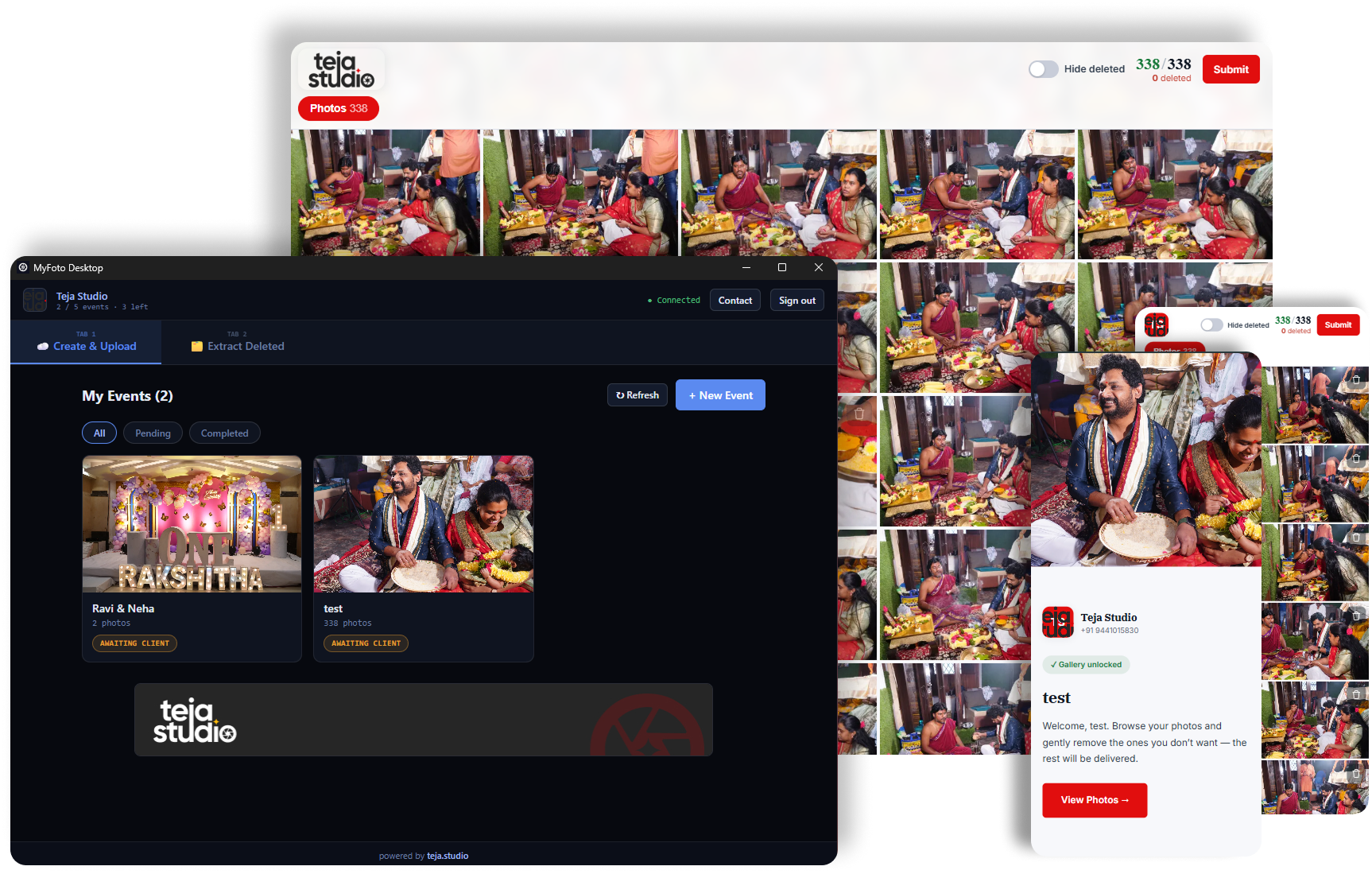
Only lightweight previews are uploaded — full-resolution files never leave your computer.
Password-protected galleries that look great on phone, tablet and desktop.
Clients choose their favourites and you get a clean report to deliver from.
A focused toolkit for sharing, selecting and delivering — without the busywork.
Send your clients a beautiful, password-protected gallery they can open on any device. Organised by album, fast to browse, and branded to your studio.
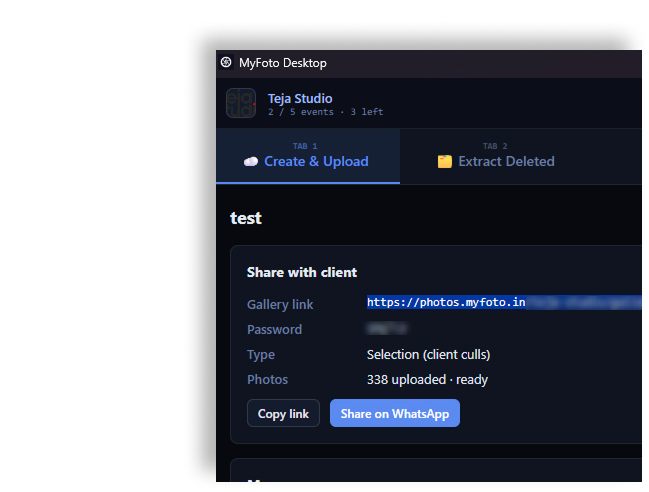
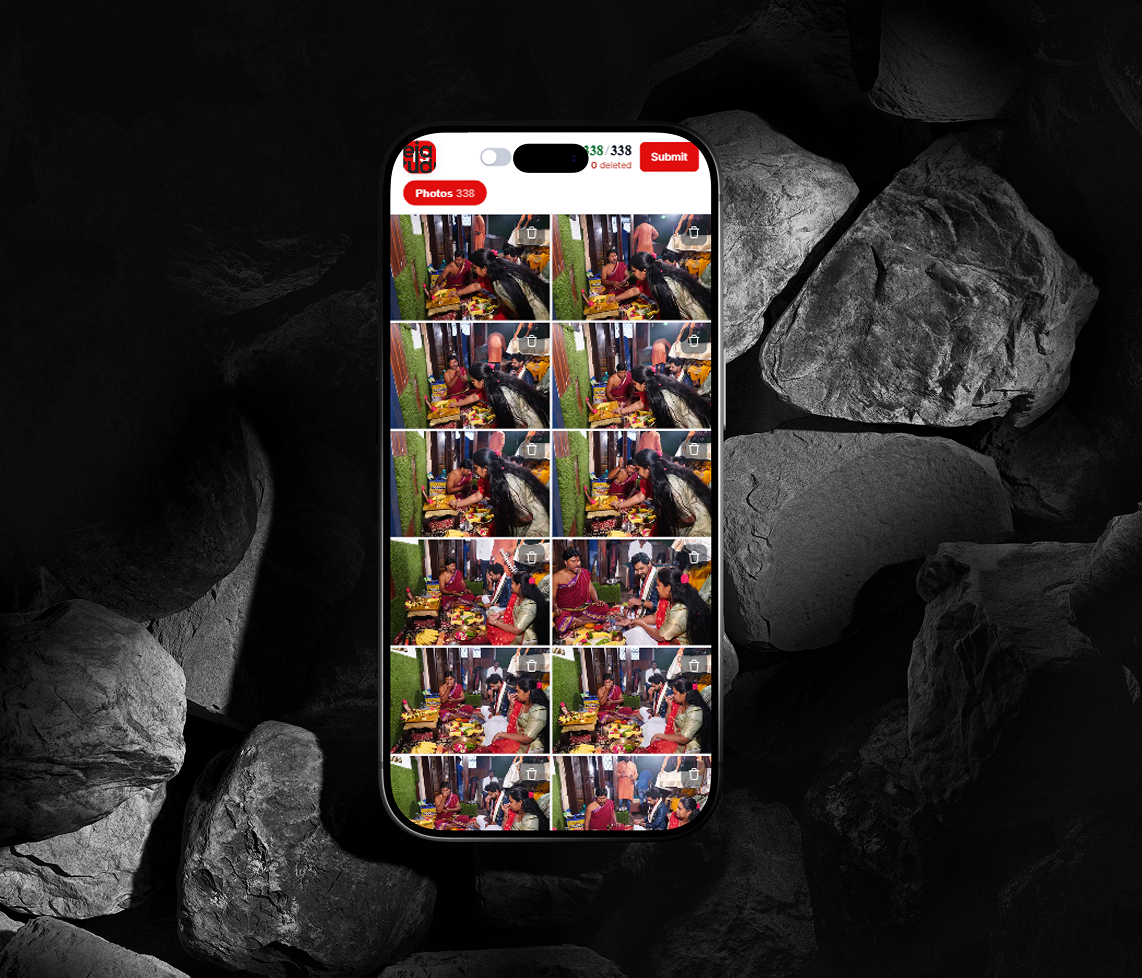
In selection mode, clients mark the photos they want (or the ones to cut) and submit. You get a clear, exact list — no more long email threads or screenshots.
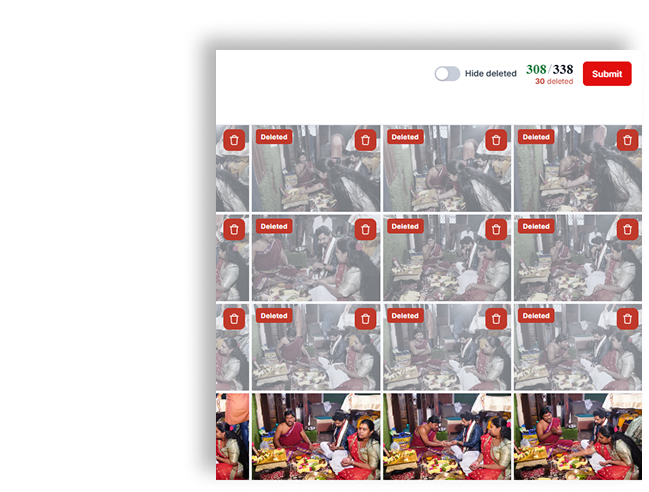
Flip an event to sharing mode for a clean, view-only gallery of the delivered photos — perfect for the family and friends who just want to look.
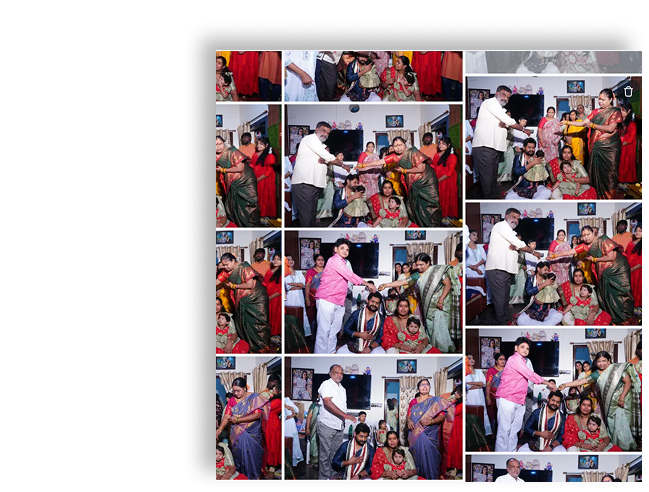
The MyFoto desktop app compresses your shoot into lightweight web previews and uploads only those. Your full-resolution originals stay exactly where they are — on your computer.
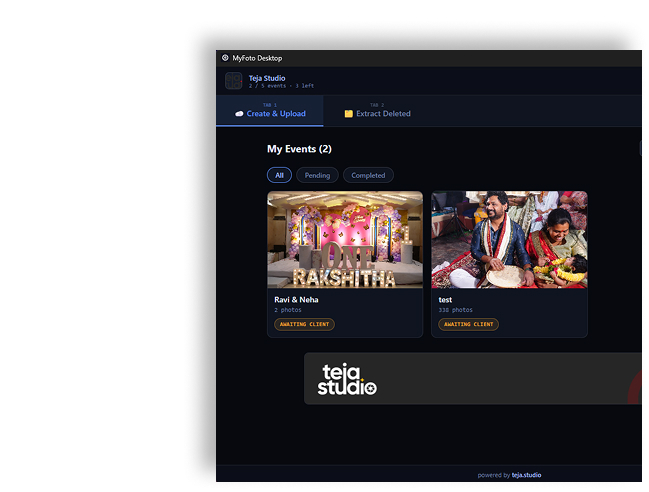
Point the desktop app at your shoot. It builds web previews and uploads just those.
Send your client a private, password-protected link to their gallery.
They browse and mark the photos they want, then submit in one click.
Pull their choices back into the app and sort your originals automatically.
MyFoto started with a simple frustration: sharing photos, chasing client picks, and keeping originals safe shouldn't take longer than the shoot itself. So we built a focused tool that handles delivery and selection cleanly — and keeps your full-resolution files on your own machine, where they belong.
No bloat, no complicated setup. Just galleries your clients love and a workflow that gets out of your way.
Every studio runs differently, so we tailor a plan to your volume. Tell us a little about your work and we'll get you set up.